Warehouse Process Automation Without the Chaos
Warehouse errors do not usually originate at the shelf. They arise when warehouse staff work from paper documents, the online store uses different inventory data, accounting relies on yet another export and the operations manager only discovers the actual situation during a stocktake. Warehouse process automation does not solve this problem with a single scanner or a new application. It solves it by connecting data, rules and responsibilities across the entire flow of goods.
For companies with growing order volumes, the warehouse is often where the limitations of fragmented systems become apparent first. Manual data entry increases error rates, outdated inventory information holds back sales and manual reporting consumes the time of people who should be managing operations. The purpose of automation is not to replace every warehouse employee. Its goal is to eliminate repetitive steps, accelerate decision-making and give the team confidence that everyone is working with the same data.
Where Warehouse Process Automation Has the Greatest Impact
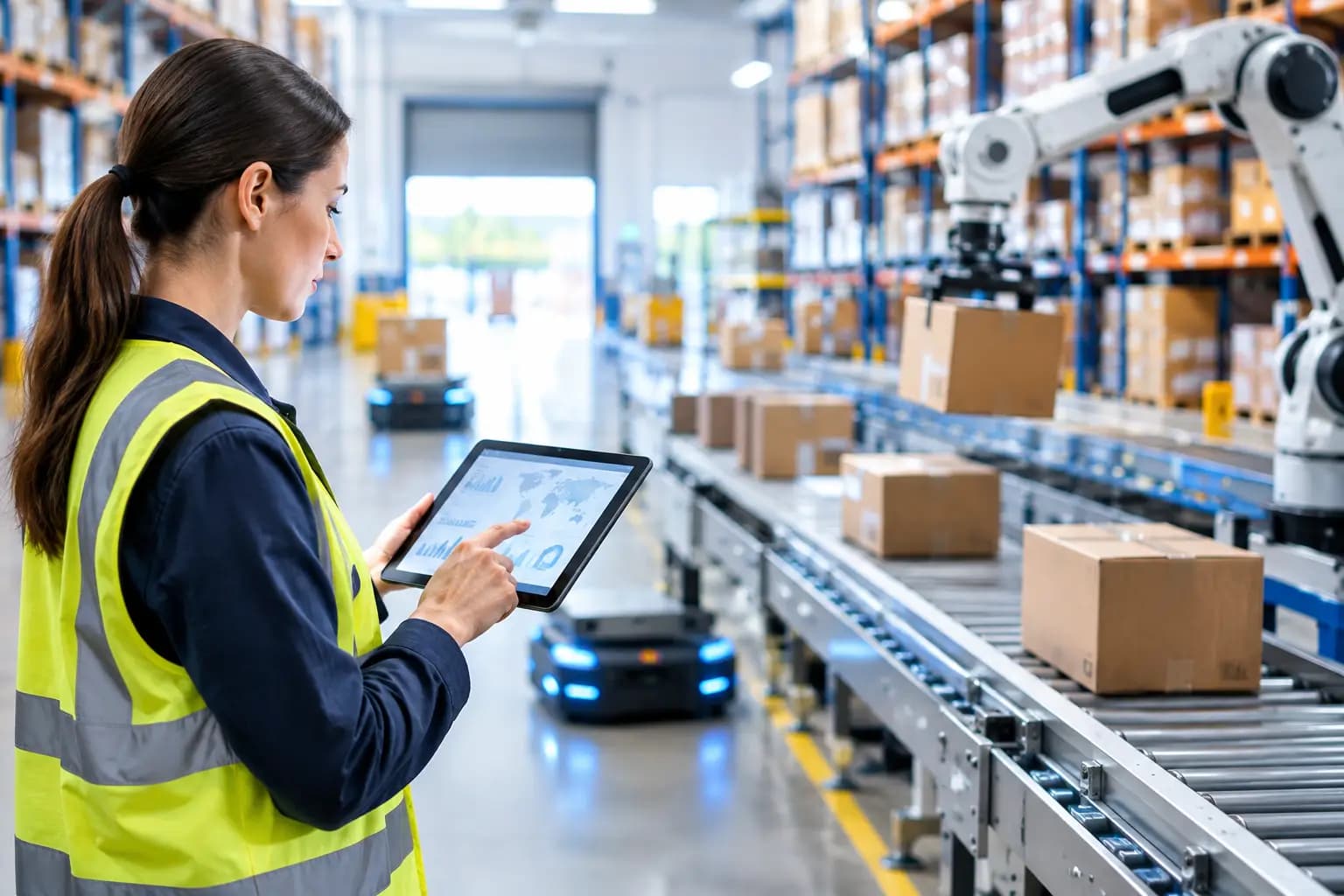
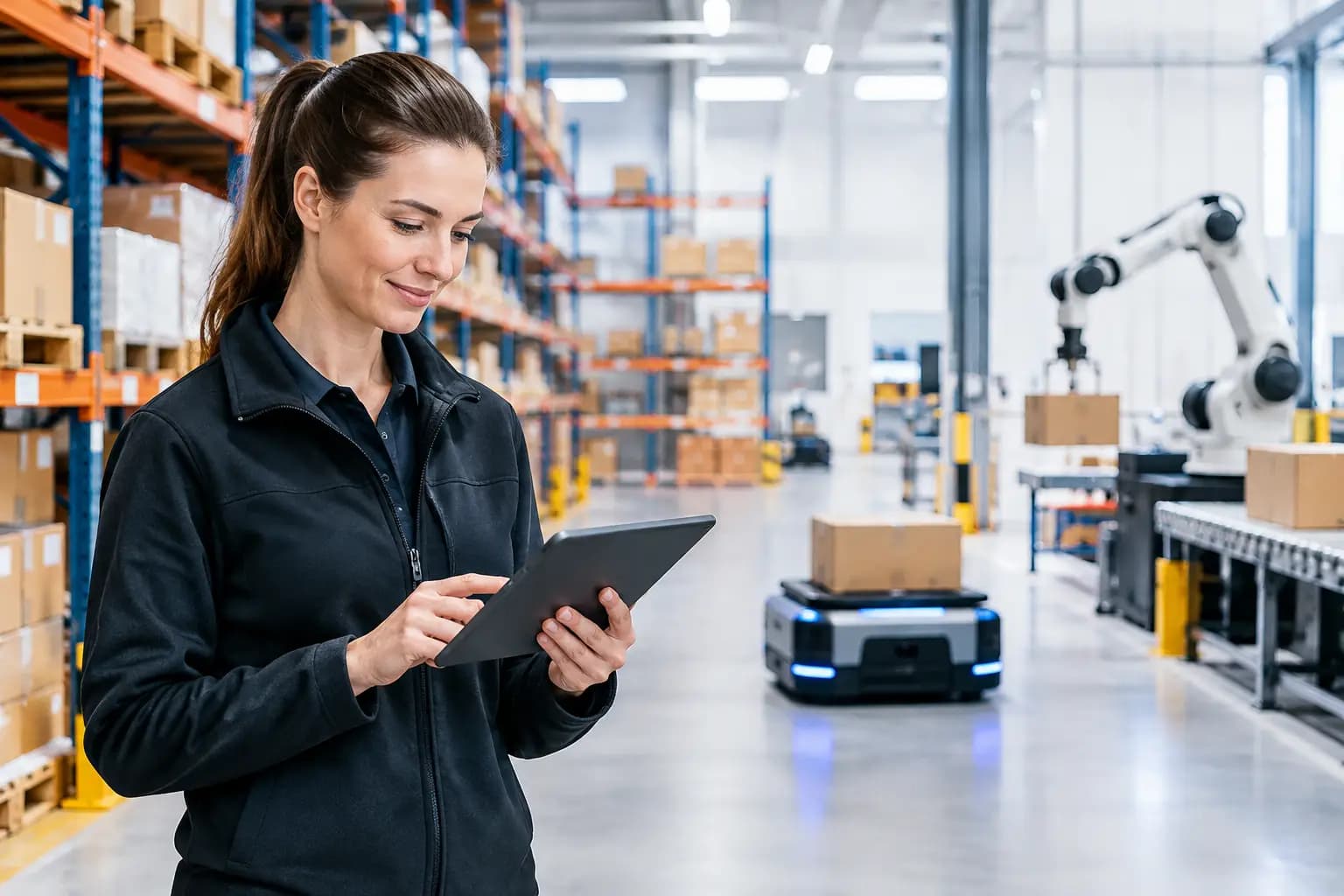
The greatest benefits do not necessarily come from a fully robotic warehouse. For small and medium-sized businesses, a well-configured managed warehouse system connected to ERP, the online store, carriers and accounting often works best. Employees still physically receive, pick and pack goods, but the system tells them exactly what to do, where to go and how inventory records should be updated.
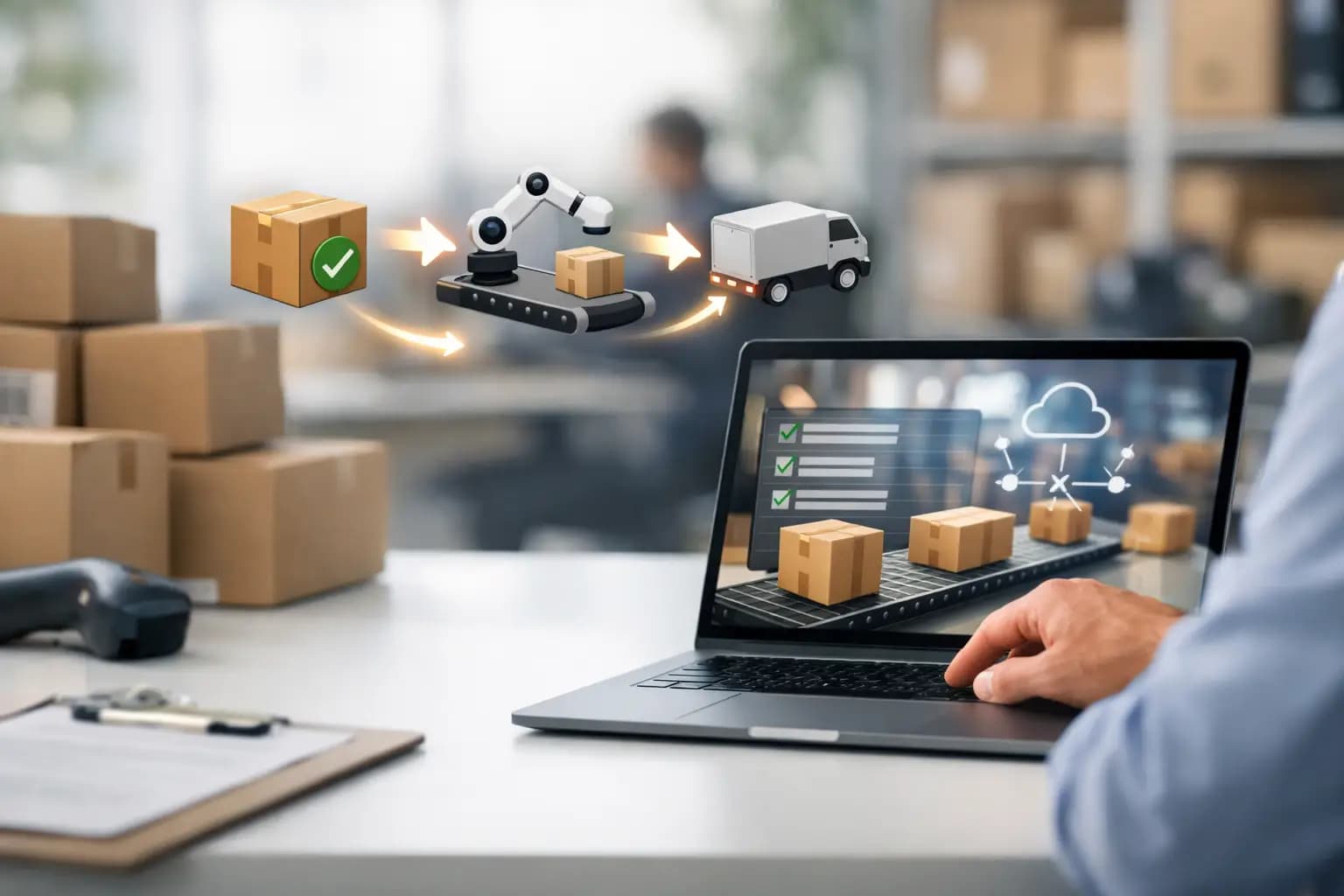
The first critical point is goods receipt. If a delivery is not entered manually until later, the sales and purchasing teams are working with inaccurate availability data. Automated receiving uses the purchase order, a barcode or QR code and validation rules. Once an item is scanned, its quantity is recorded in the warehouse inventory, and the system can issue an alert if the delivered goods differ from the order. This catches the problem at the point of receipt rather than when a customer submits a complaint.
The second area is order picking. The system can assign an order based on its priority, dispatch deadline, carrier or the optimal route through the warehouse. Using a scanner, the employee confirms each step as they work. This reduces the risk of mixing up product variants, sizes or batches. For sensitive product ranges such as food, electronics or medical supplies, FIFO or FEFO principles can also be managed directly within the process.
The third area is dispatch. Automatically creating a label, sending data to the carrier and updating the order status saves minutes on every shipment. Across hundreds of orders per week, this adds up to significant capacity. At the same time, customer service receives accurate data about what was shipped, when and with which carrier, instead of having to search through emails and spreadsheets.
Data and Processes First, Technology Second
A common mistake is for a company to purchase warehouse software before documenting how its operations actually work. The result is digitized chaos: the system simply reproduces unclear procedures and exceptions more quickly.
Before selecting a solution, the company needs to review the entire flow of goods, from placing an order with a supplier through to processing a return. For each step, it is useful to determine who performs it, where the data comes from, what is checked and where exceptions arise. Typical questions include: What happens with a partial delivery? Who decides whether damaged goods should be blocked? How is an incorrect item handled? When does inventory become available for sale?
This analysis often reveals that the problem is not within the warehouse itself. The cause may be an inconsistent item master in ERP, delayed order transfers from the online store or unclear inventory reservation rules. Automation must operate on a single source of truth. Without one, people will continue correcting data manually, only through a more modern interface.
Integrations Determine Whether the Investment Pays Off
A warehouse system should not be an isolated island. If it is not connected to ERP, CRM, the e-commerce platform, the accounting system and carriers, it creates another data silo. Integrations are therefore not a technical add-on but the foundation of operational control.
A well-designed connection ensures that a new order automatically reserves inventory, a completed goods issue adjusts stock in ERP and a dispatched shipment updates the customer-facing status. The purchasing team can then receive minimum-stock alerts based on actual consumption rather than a manually updated file.
The right solution depends on the volume and complexity of the operation. A company processing a few dozen orders per day may only need straightforward mobile scanning and synchronization with ERP. A manufacturing company with multiple warehouses, batches, complaints and transfers between branches will require more detailed location management, permissions, an audit trail and precisely defined integration scenarios.
This is exactly where combining ERP modernization with a custom integration solution makes sense. Logyloop builds automation around connected systems so that warehouse data supports not only dispatch but also production planning, purchasing, finance and customer service.
How to Introduce Automation Without Disrupting Operations
Implementation should proceed in stages. A warehouse cannot simply shut down for a week because a new system is being deployed. It is safer to begin with one process that has a clearly measurable impact, such as goods receipt or picking the most common orders.
The first step should be cleaning up master data. Every item needs a unique code, the correct unit, a defined warehouse location and, where relevant, batch, expiration or dimension data. If the same product exists under three similar names, no automation solution can reliably identify what should be in stock.
The next step is a pilot. A limited sample of orders is used to verify that integrations, label printing, scanners and exception handling all work correctly. The pilot is not a formality. This is where the company discovers whether the system can handle situations such as an unavailable item, a split order, a return or a connectivity outage.
Training must be tailored to specific roles. Warehouse staff do not need a presentation about the system architecture; they need to know what to do if a scan fails or if goods are found in a different location. The warehouse manager, by contrast, needs a dashboard showing orders in progress, shift performance and a list of exceptions. The IT team must understand who is responsible for integrations, monitoring and access management.
Measure Results, Not the Number of Features Deployed
Success cannot be assessed by the number of screens the system offers. What matters are operational metrics before and after implementation. The most practical include inventory accuracy, picking error rates, the time from order receipt to dispatch, the number of manual interventions and the proportion of orders shipped by the required deadline.
Access to information is equally important. If the warehouse manager still needs two hours to manually prepare a report on inventory and stock movements, the automation is not complete. Reports should be generated automatically from current data, ideally with the option to issue alerts when deviations occur. Examples include exceeding the limit for outstanding orders, rising error rates or an unusual decline in stock.
ROI is not merely the sum of labor hours saved. It is also reflected in fewer credit notes, fewer urgent interventions, more accurate purchasing and a greater ability to handle seasonal peaks without chaotic hiring. For a growing company, scalability also has particular value: the process can handle twice as many orders without doubling the administrative workload.
Automation Requires Managed Exceptions
Even the best system cannot eliminate every non-standard situation. A supplier delivers different packaging, a customer changes their address after picking, goods are damaged during inspection or a carrier refuses a shipment. Good automation does not leave these cases to manual improvisation. Instead, it identifies them, assigns them to the responsible person and records the reason.
This is the difference between merely accelerating a process and achieving genuine operational control. The standard workflow can run automatically while people focus only on cases that require a decision. At the same time, the system creates an audit trail, enabling the company to see where and why a deviation occurred.
Warehouse automation does not begin with purchasing equipment, nor does it end when an application goes live. It begins with a decision to work with consistent data and continues through the gradual development of processes that are fast, measurable and manageable even as the business grows. When the warehouse is connected to the rest of the company, it stops being merely a cost center and becomes a source of accurate insights for decision-making across the entire operation.